
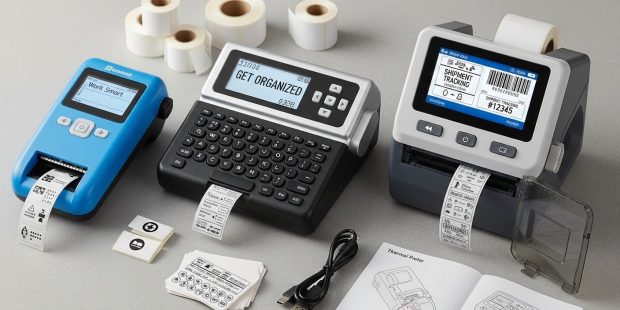
A thermal label maker is a printer that uses heat instead of ink or toner to create text and barcodes on labels. It is widely used because it prints faster, costs less per label, and requires less maintenance than inkjet or laser printers.
If you ship products, manage inventory, or organize storage, you already know this problem. Ink cartridges dry out. Toner is expensive. Labels smudge. Printers jam. Deadlines don’t wait.
This is where thermal printing changes the workflow.
Thermal label makers are used in logistics, eCommerce, healthcare, manufacturing, retail, and even home offices. According to industry reports, direct thermal and thermal transfer printers account for the majority of shipping label production globally because they reduce operational costs and improve printing speed.
Businesses prefer them for three reasons:
- No ink or toner costs
- Fast print speeds (typically 4–8 inches per second)
- Reliable barcode printing for scanning systems
If you’re searching for the Best Thermal Printer for Labels, you first need to understand how the technology works. Not all thermal printers are the same. And choosing the wrong type can cost you more long-term.
How Do Thermal Label Makers Work?
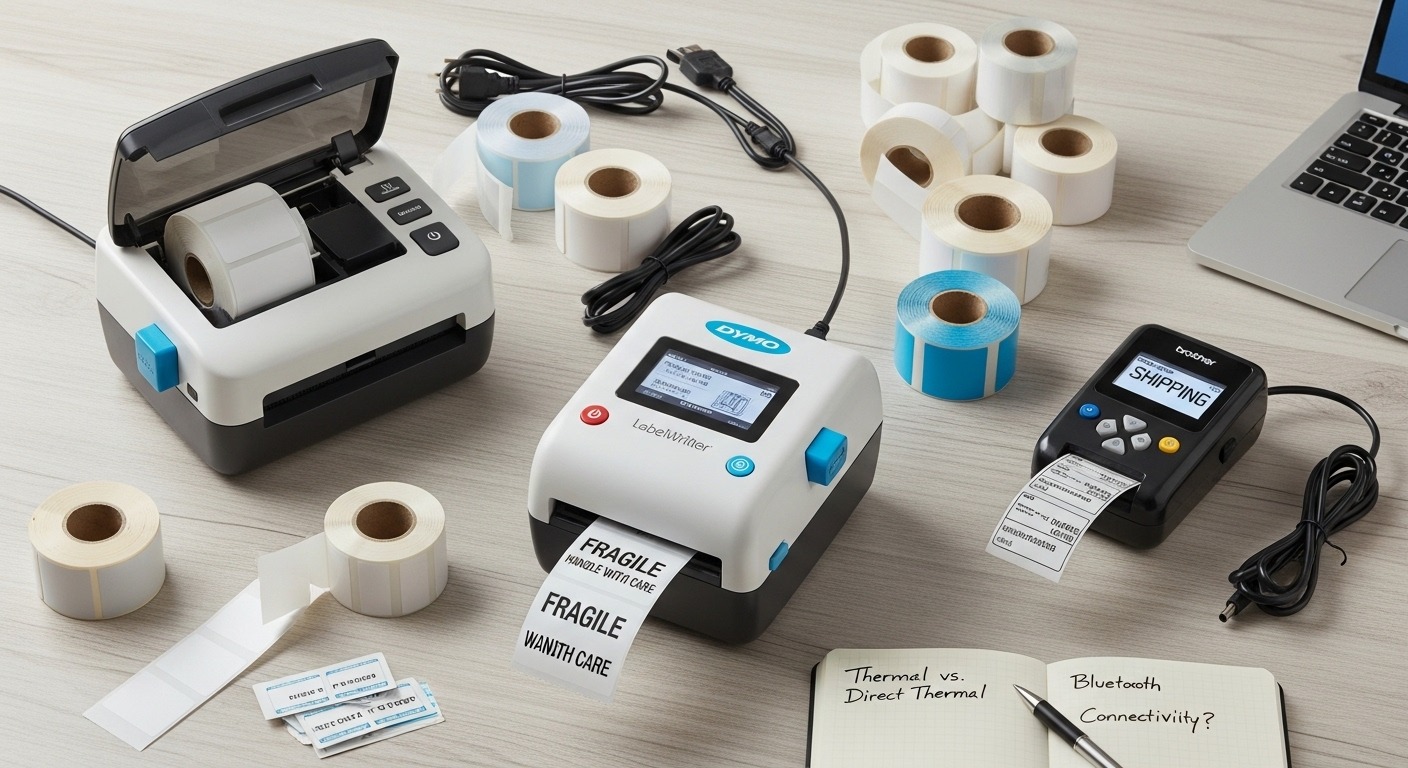
Short answer: Thermal label makers use a heated printhead that reacts with special label material to create text and images without ink.
What Is Direct Thermal Printing?
Direct thermal printing works by heating chemically treated paper. When heat touches the surface, it turns black and forms the printed image.
There is no ribbon involved. No ink cartridge. Just heat and coated paper.
Best for:
- Shipping labels
- Short-term barcodes
- Receipts
- Warehouse picking labels
Limitation: Direct thermal labels can fade over time, especially with exposure to sunlight, heat, or chemicals.
What Is Thermal Transfer Printing?
Thermal transfer printing uses heat to transfer ink from a ribbon onto the label surface. The ribbon melts onto paper, polyester, or polypropylene labels.
Best for:
- Long-term product labeling
- Asset tracking
- Outdoor labels
- Industrial environments
Thermal transfer prints last significantly longer. They resist moisture, abrasion, and UV exposure.
Key difference: Direct thermal = no ribbon. Thermal transfer = ribbon required.
Why Are Thermal Label Makers Better Than Inkjet or Laser?
Short answer: Thermal printers are faster, cheaper per label, and require less maintenance.
Let’s break it down using practical numbers.
| Feature | Thermal Printer | Inkjet Printer | Laser Printer |
|---|---|---|---|
| Ink Required | No | Yes | Yes |
| Maintenance | Low | High | Medium |
| Speed | High | Medium | Medium |
| Barcode Clarity | Excellent | Moderate | Good |
| Cost Per Label | Low | Higher | Higher |
Case Study Example:
A mid-size eCommerce seller shipping 2,000 orders per month reduced printing costs by approximately 35% after switching from inkjet sheets to a 4×6 direct thermal label printer. They also reduced packing time because labels printed instantly without drying time.
That’s why fulfillment centers, Amazon sellers, Shopify stores, and logistics companies rely on thermal printers.
What Features Should You Look for in the Best Thermal Printer for Labels?
Short answer: Focus on print speed, resolution (DPI), connectivity, media compatibility, and durability.
1. Print Resolution (DPI)
203 DPI is standard for shipping labels.
300 DPI is better for small barcodes or detailed graphics.
600 DPI is used in industrial environments.
2. Print Speed
Measured in inches per second (IPS).
4–6 IPS works for small businesses.
8–12 IPS is ideal for warehouses.
3. Connectivity Options
- USB
- Bluetooth
- Wi-Fi
- Ethernet
If you print from mobile devices, Bluetooth or Wi-Fi is important.
4. Label Size Compatibility
Common sizes:
- 4×6 shipping labels
- 2×1 barcode labels
- Address labels
Make sure the printer supports your required label width.
5. Operating System Compatibility
Check if it works with:
- Windows
- Mac
- Android
- iOS
- Shipping platforms like Shopify, Etsy, Amazon, eBay
Which Type of Thermal Printer Should You Buy?
Short answer: Choose direct thermal for shipping and short-term use. Choose thermal transfer for durability and long-term labeling.
If You Run an eCommerce Store
Buy a 4×6 direct thermal printer with USB or Wi-Fi support.
203 DPI is sufficient.
Fast printing reduces order processing time.
If You Manage a Warehouse
Consider a thermal transfer printer.
Look for durable build quality.
Higher IPS for batch printing.
If You Need Mobile Printing
Choose a compact Bluetooth thermal printer.
Battery-powered models are ideal for field service or pop-up shops.
What Are the Ongoing Costs of Thermal Label Printers?
Short answer: Ongoing costs include label rolls and ribbons (for thermal transfer), but no ink or toner.
Direct thermal cost structure:
- Label roll cost
- Electricity (minimal)
Thermal transfer cost structure:
- Label roll
- Ribbon replacement
Compared to inkjet cartridges, which may require replacement every few thousand prints, thermal systems are more predictable and scalable.
Are Thermal Labels Durable?
Short answer: Direct thermal labels fade over time. Thermal transfer labels are long-lasting and resistant to harsh conditions.
If you are printing shipping labels that are used within days, direct thermal is sufficient.
If labels must last months or years, choose thermal transfer with synthetic materials.
How Do You Maintain a Thermal Label Printer?
Short answer: Clean the printhead regularly and use high-quality labels.
- Use isopropyl alcohol to clean the printhead
- Avoid low-quality labels that leave residue
- Store label rolls in a dry environment
Proper maintenance increases printhead lifespan and ensures barcode accuracy.
Is a Thermal Label Printer Worth It for Small Businesses?
Short answer: Yes, if you ship regularly or print more than 50 labels per week.
The break-even point depends on volume. But for growing online sellers, the time saved alone justifies the investment.
Reduced printing errors. Faster fulfillment. Lower consumable costs.
Conclusion: Which Thermal Label Maker Should You Choose?
If you want reliability, speed, and low operating costs, a thermal label maker is a practical upgrade. The right choice depends on your workload and durability needs.
For most online sellers, a 4×6 direct thermal printer with 203 DPI and wireless connectivity offers the best balance of cost and performance.
If you require long-term durability or industrial labeling, thermal transfer models provide better resistance and longevity.
Don’t choose based on price alone. Calculate your monthly label volume, consider your work environment, and match the printer to your workflow.
Ready to upgrade your labeling process? Compare specifications, evaluate your volume needs, and invest in the Best Thermal Printer for Labels that aligns with your business goals.
Frequently Asked Questions (FAQs)
1. What is the difference between direct thermal and thermal transfer printers?
Direct thermal printers use heat-sensitive paper and do not require ribbons. Thermal transfer printers use ribbons and produce more durable prints.
2. Do thermal printers require ink?
No. Thermal printers do not use ink or toner. They use heat to create images.
3. How long do direct thermal labels last?
They typically last 6–12 months depending on exposure to light, heat, and chemicals.
4. What DPI is best for shipping labels?
203 DPI is standard and sufficient for most shipping labels and barcodes.
5. Can thermal printers print color labels?
Most thermal printers print in black. Color printing requires specialized ribbons or alternative printing methods.
6. Are thermal printers compatible with Shopify and Amazon?
Yes. Many modern thermal printers integrate with eCommerce platforms and shipping software.
7. How much does a thermal label printer cost?
Entry-level models start around $70–$150. Industrial models can exceed $500 depending on features and durability.
Related Topics: How to Understand the Pros and Cons of Upright, Cordless, and Canister Vacuums
What Next: How to Choose Comfortable Running Shoes for Men and Women
